The verdict on the product you are looking at
Where it ranks on Radar today, roughly how many stores already sell it, how it ranks inside this store, and its winner score — before you spend an hour on it.

Choose your display currency — we'll convert every price on the platform for you (daily FX rates, shown as estimates).
Free Chrome extension
Shopify product research and import, on the page you already have open. WHAT Shipping? tells you where that product ranks today, how many stores already sell it, and whether it is the store's best seller. Like the numbers? Import it — or an AliExpress listing — as a draft in 15 seconds.
Select · Source · Sell
See the verdict, the winner signals, the store, the AliExpress listing, and the Shopify draft — before you waste another hour.
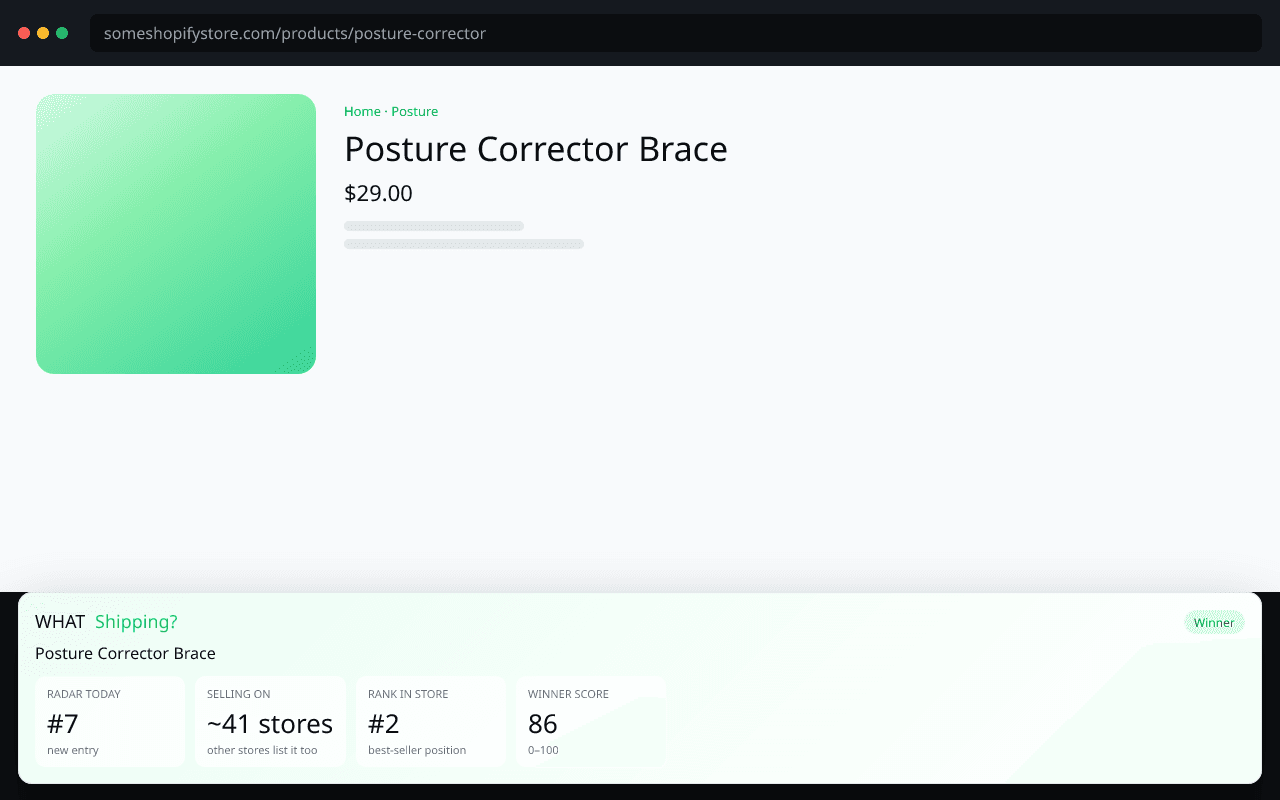
Product verdict
Open any Shopify product and see if it is a winner.
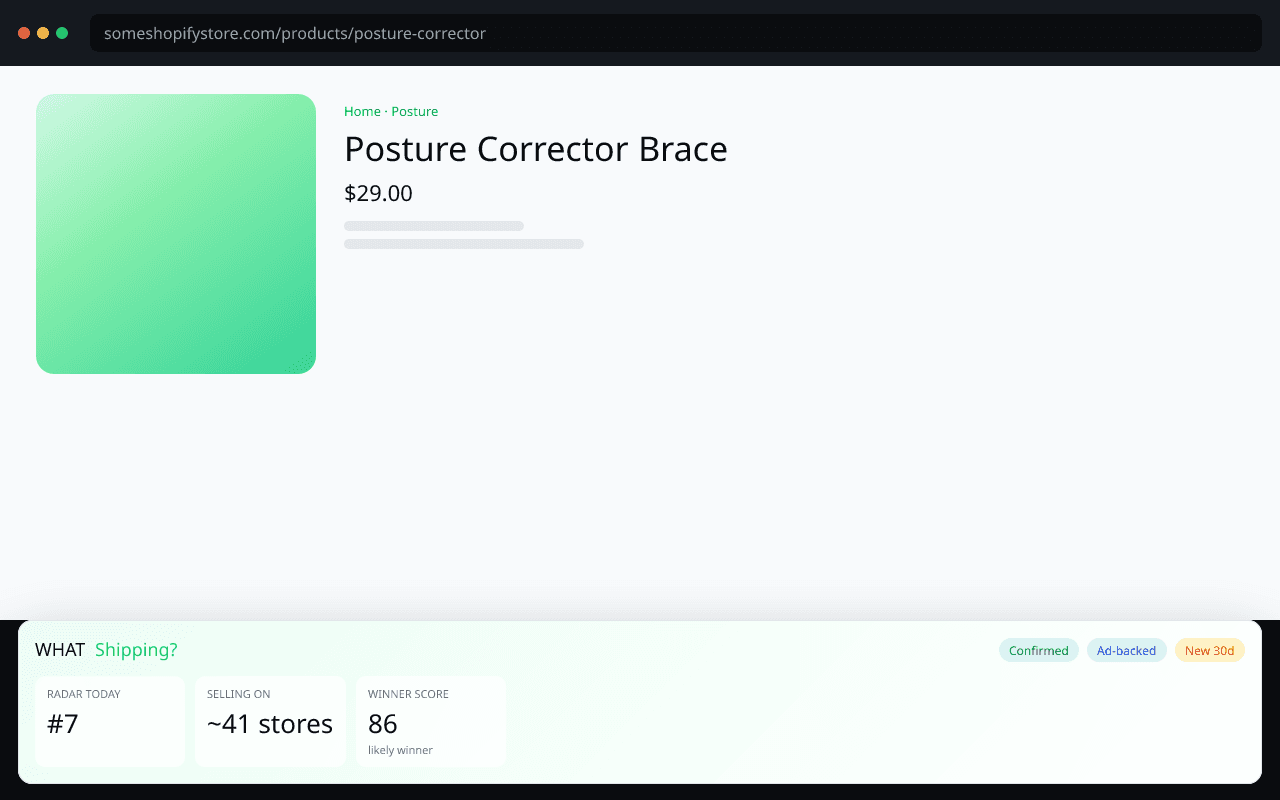
Winner signals
Radar rank, how many stores already sell it, and the winner score.
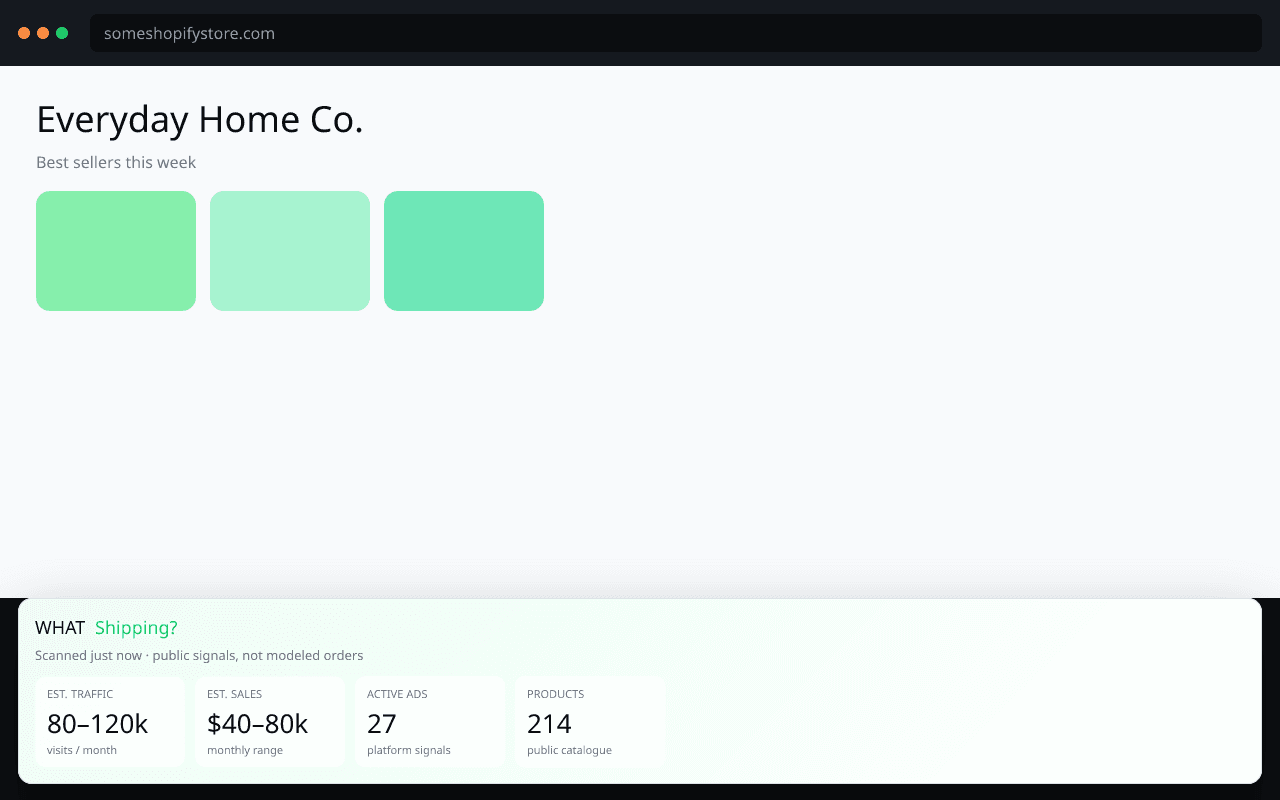
Store depth
Traffic and sales ranges, ads, and the store's own best sellers.
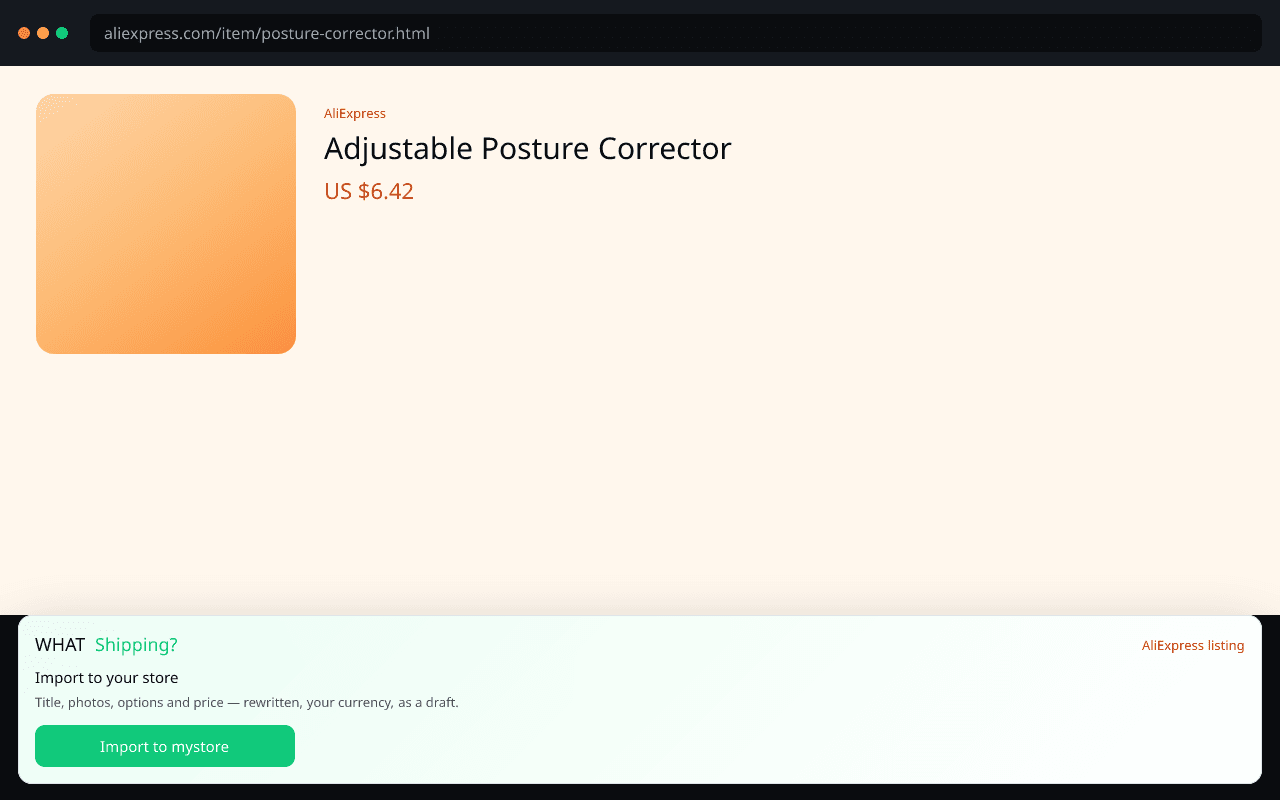
AliExpress sourcing
Import an AliExpress listing as a rewritten Shopify draft.
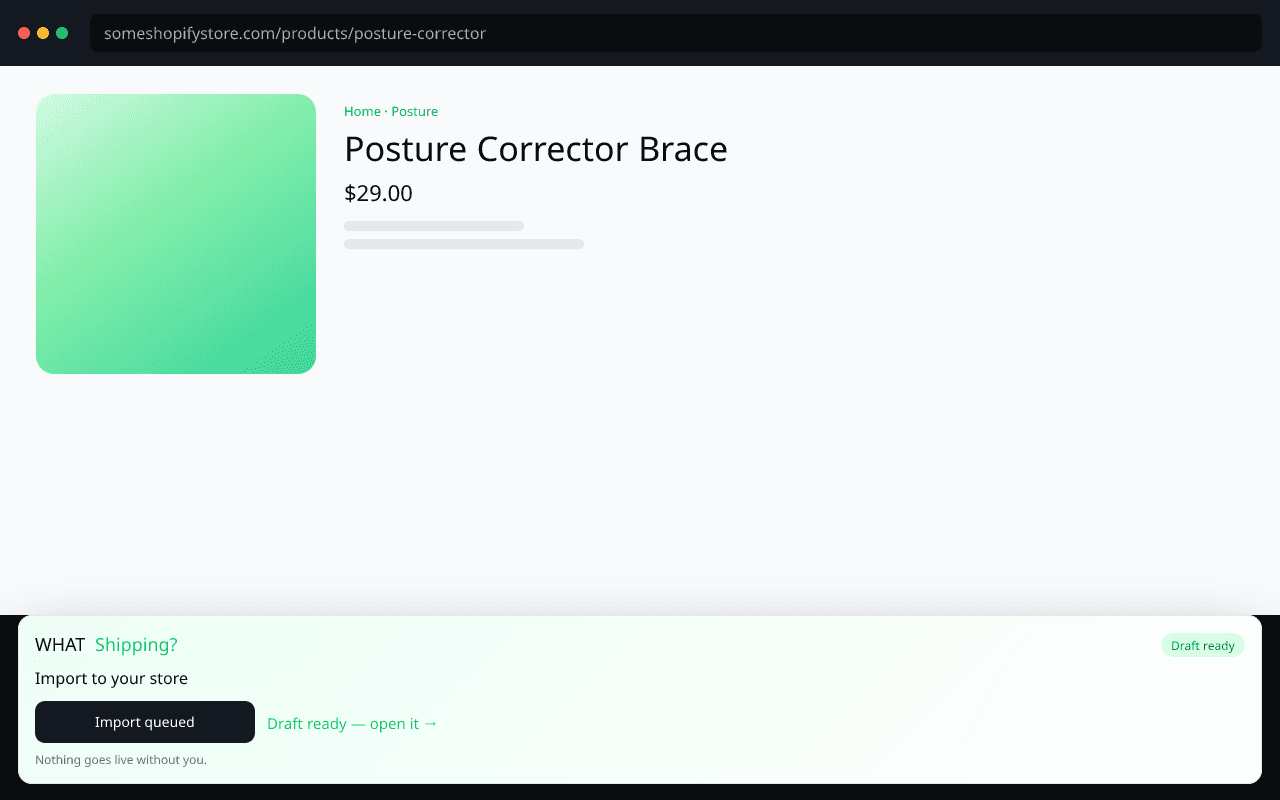
Shopify import
One click. Draft only. Nothing goes live without you.
Where it ranks on Radar today, roughly how many stores already sell it, how it ranks inside this store, and its winner score — before you spend an hour on it.
One click queues the same import the app queues: title, description, images and price into your Shopify store as a draft you review before it goes live.
The extension walks you through Shopify's own screens and fills the keys in for you. No copy-paste roulette, no agency.
Traffic and sales ranges, ad activity, likely best sellers, apps and theme — one tab away from the product verdict.
Select · Source · Sell
Install it from the official Chrome Web Store — free, no account needed to look.
On any Shopify store, the WHAT Shipping? bar appears with that product's verdict.
Ranking, how crowded it already is, and how it ranks in the store it is selling on.
Connect your store once, then send any product to it as a draft in seconds — from Shopify or AliExpress.
Those labels frighten people. They should not. Chrome shows them because the panel has to recognise a Shopify or AliExpress product page on whatever store you open — custom-domain Shopify stores cannot be listed one by one. We do not record where you browse.
Read the verdict on the page you are already on, then open WHAT Shipping? for today's Hunt, Radar, Sonar, Signal and AliExpress suppliers — and list winners in under 15 seconds.
Ask Signal 5 times free. Pro to keep going.